Cloud ERP vs Desktop Software: Which is Better for Your Business?
Compare Cloud ERP and Desktop Software solutions. Understand the pros and cons of each approach to make an informed decision for your business needs.
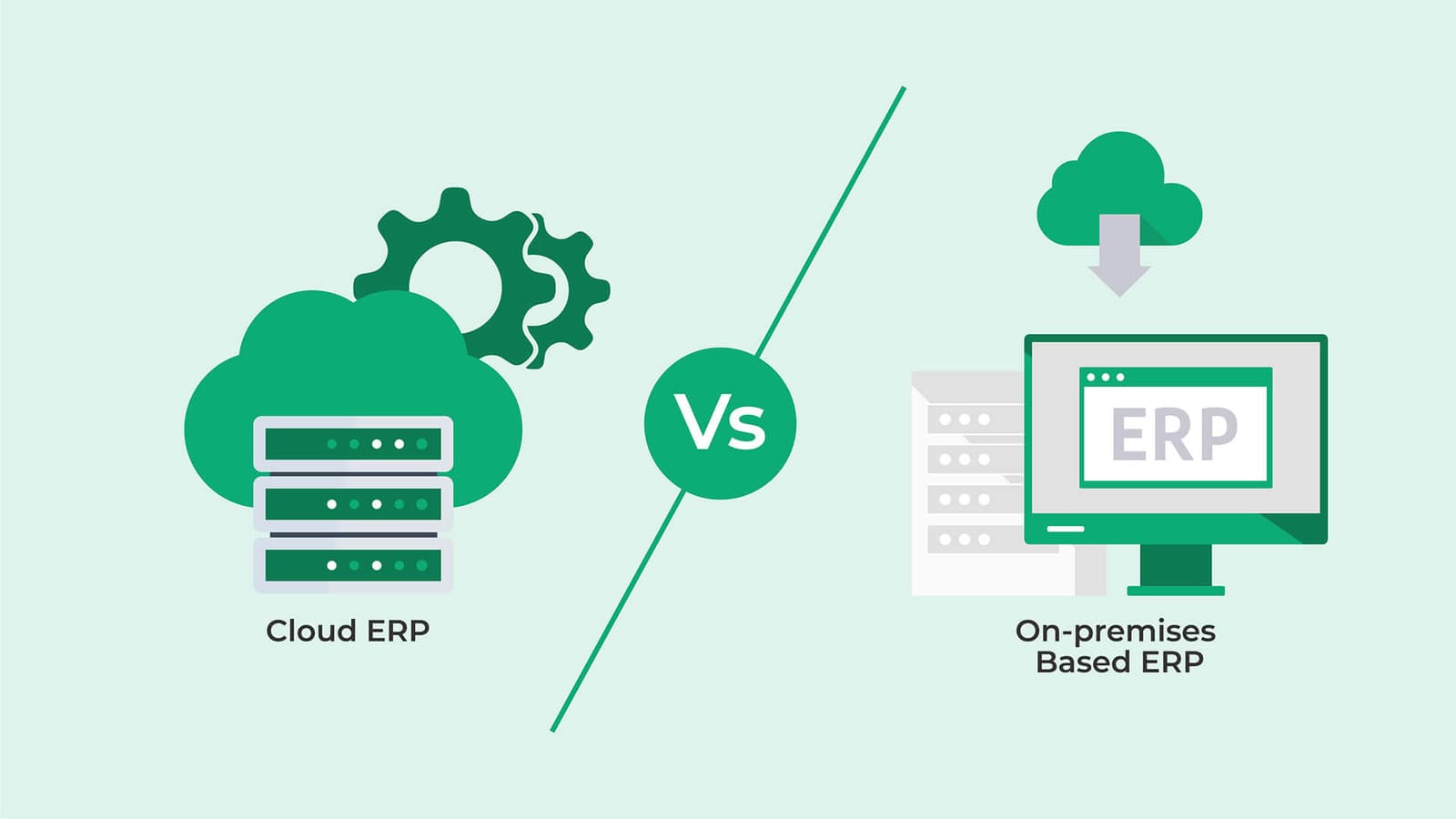
Introduction
Choosing between Cloud ERP and Desktop Software is a critical decision for any business. Both options have their advantages and limitations. Understanding the differences will help you select the best solution for your specific needs.
What is Cloud ERP?
Cloud ERP (Enterprise Resource Planning) is software hosted on remote servers and accessed through the internet. You don't need to install software on your computers - just log in through a web browser or mobile app.
What is Desktop Software?
Desktop software is installed directly on your computer or local server. All data and applications run on your own hardware, giving you complete control over your system.
Cloud ERP Advantages
1. Accessibility
Access your business data from anywhere, anytime. Work from office, home, or while traveling. All you need is an internet connection and a device.
2. Automatic Updates
Software updates happen automatically without disrupting your work. Always have the latest features and security patches without manual intervention.
3. Lower Initial Cost
No need to invest in expensive servers or IT infrastructure. Pay monthly or annual subscription fees instead of large upfront costs.
4. Scalability
Easily scale up or down based on your business needs. Add users, storage, or features as your business grows without major infrastructure changes.
5. Data Backup
Automatic data backup and disaster recovery. Your data is safe even if your local systems fail. Professional data centers ensure high availability.
6. Collaboration
Multiple users can work simultaneously from different locations. Real-time collaboration improves team productivity and communication.
Desktop Software Advantages
1. Data Control
Complete control over your data. All information stays on your premises, giving you full ownership and privacy.
2. No Internet Dependency
Work offline without internet connection. Ideal for businesses in areas with unreliable internet connectivity.
3. One-Time Purchase
Pay once and own the software. No recurring subscription fees, making it cost-effective in the long run for stable businesses.
4. Customization
Easier to customize according to specific business needs. Direct access to the system allows for deeper modifications.
5. Performance
Faster performance for data-intensive operations. No dependency on internet speed for processing large amounts of data.
Comparison Table
| Feature | Cloud ERP | Desktop Software |
|---|---|---|
| Accessibility | Anywhere, anytime | Local network only |
| Initial Cost | Low | High |
| Data Control | Provider managed | Full control |
| Internet Required | Yes | No |
| Updates | Automatic | Manual |
Which Should You Choose?
Choose Cloud ERP if:
- You need remote access
- You want automatic updates
- You prefer lower initial costs
- You have reliable internet
- You want easy scalability
Choose Desktop Software if:
- You need complete data control
- Internet connectivity is unreliable
- You prefer one-time payment
- You need extensive customization
- You have IT infrastructure
Hybrid Solutions
Some businesses benefit from hybrid solutions that combine cloud and desktop features. This approach offers flexibility to use cloud features when needed while maintaining local control for critical operations.
Conclusion
Both Cloud ERP and Desktop Software have their place in business operations. Your choice depends on your specific needs, budget, and business model. Consider factors like accessibility requirements, data control preferences, and long-term costs before making a decision.
Not sure which solution is right for you? Contact us to discuss your business needs and find the perfect fit.